 hackanooga
Back around 2014, I took on my first freelance development project for a homeschool co-op here in Chattanooga called Hilger Higher Learning. They needed a way to manage grades and generate report cards.
They already had a rudimentary web application, but two teachers working on the same student could overwrite each other’s changes. Teacher A would save their work, then teacher B would save theirs, and teacher A’s changes would be gone.
That is a frustrating thing for a grading system to get wrong.
Start with the work teachers need to do
I built the first version using PHP, HTML, CSS, and DataTables, with lots of jQuery sprinkled in. It let the staff compile and print report cards for all students with the click of a button.
The useful part was getting from individual grade entries to a set of report cards without making the staff assemble everything by hand.
That system stayed in production for about five years with minimal updates and maintenance.
Rebuilding without replacing everything
By the time I wrote this in 2023, I had rebuilt the frontend using React and Chakra UI, with KeystoneJS on the backend. I also built Docker images for the frontend and backend to modernize the deployment.
I actually ended up keeping parts of it in PHP because I couldn’t find a JavaScript library that solved the challenges I had.
A rebuild gives you plenty of opportunities to change things. It is still worth asking which parts need to change. Keeping some PHP was a practical choice when the replacement options didn’t do what I needed.
Managing teachers and access
The teacher listing shows everyone in the system and whether they have administrator privileges. Administrators can grant that access to other users, send password reset emails through the Postmark API integration, and impersonate users for troubleshooting.
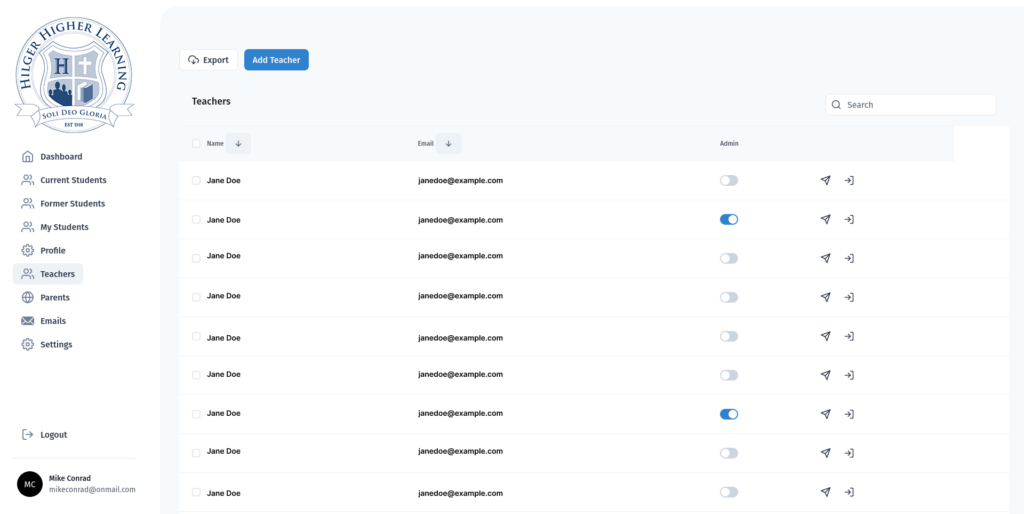
The frontend gets its data from the KeystoneJS GraphQL API. I use urql to fetch data and handle mutations.
Keeping student and course information manageable
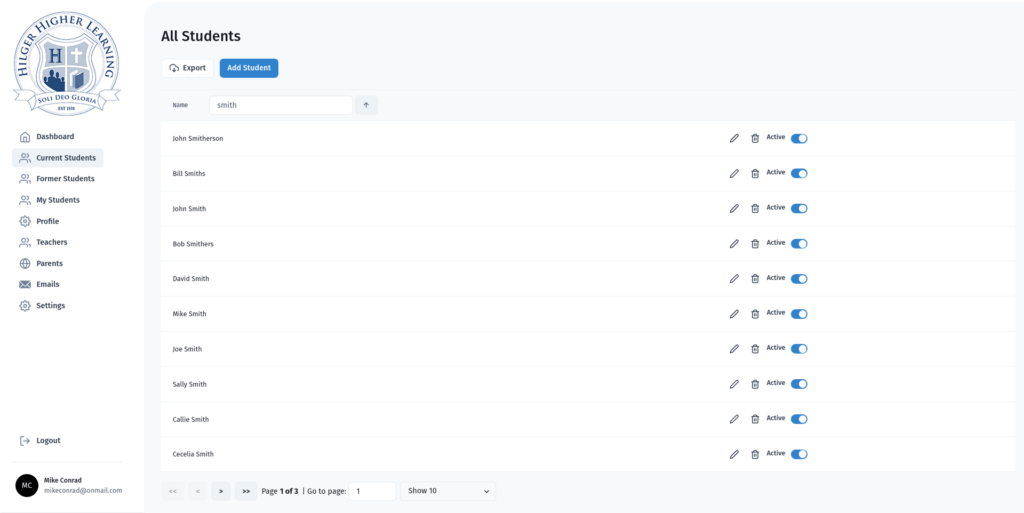
The student listing is searchable and filterable. Teachers can mark students active or inactive for the semester or delete them from the system.
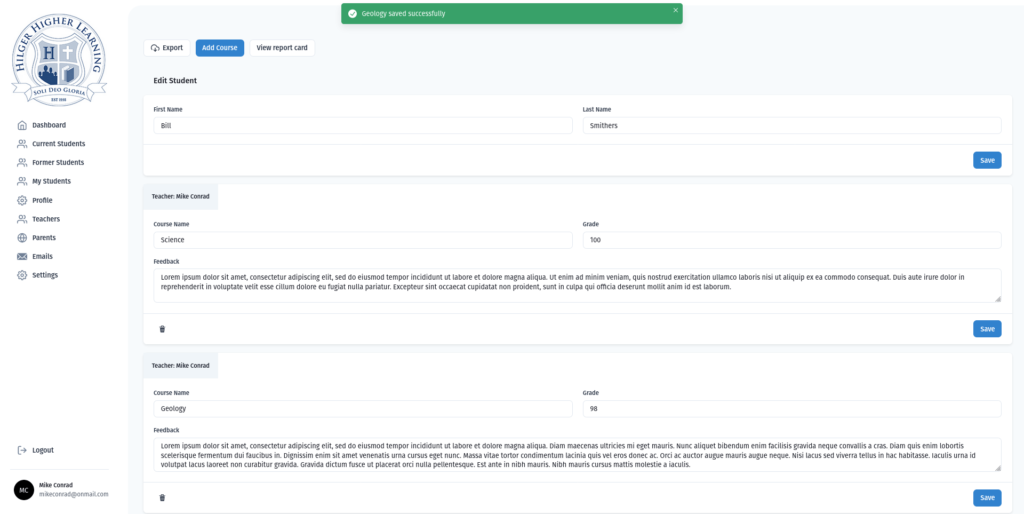
Selecting a student opens the course editing screen. Teachers can add or remove as many courses as they need. When several teachers have added courses for the same student, each teacher sees only the courses they entered.
That distinction matters in a shared system. Several people can be working with the same student while each has a different set of information to manage.
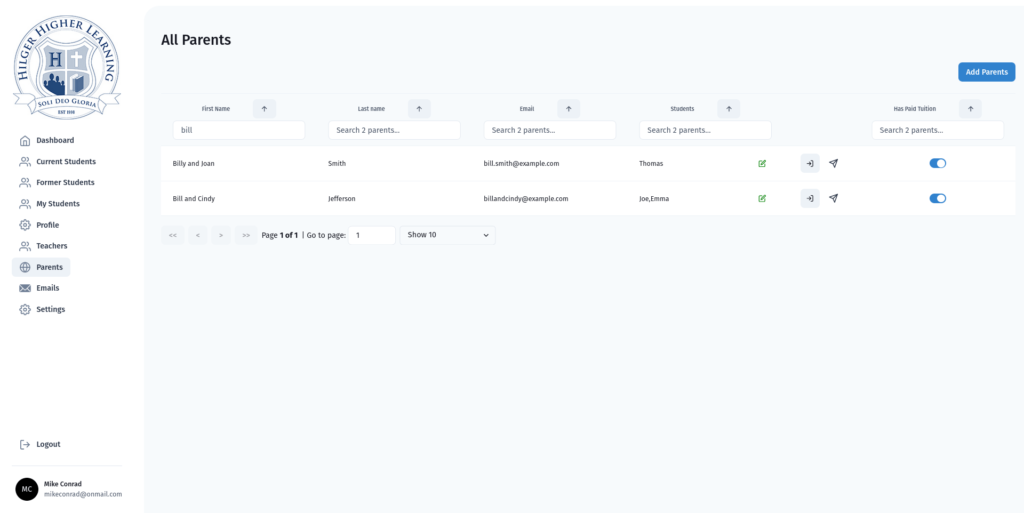
Administrators also have a page for managing parents. They can send password reset emails and view the parent portal from there.
Technologies used
- DigitalOcean Droplet running Ubuntu Server
- Docker for the frontend, backend, PHP, and PostgreSQL database
- Git
- Node.js
- PHP
- Chakra UI
- KeystoneJS
- Postmark
- GraphQL
- TypeScript
- React
- urql
The stack changed over time. The job was still to let teachers manage their grades and get the report cards printed.
Continue the conversation on LinkedIn ↗